
Export to MS Project, PDF, CSV & PNG
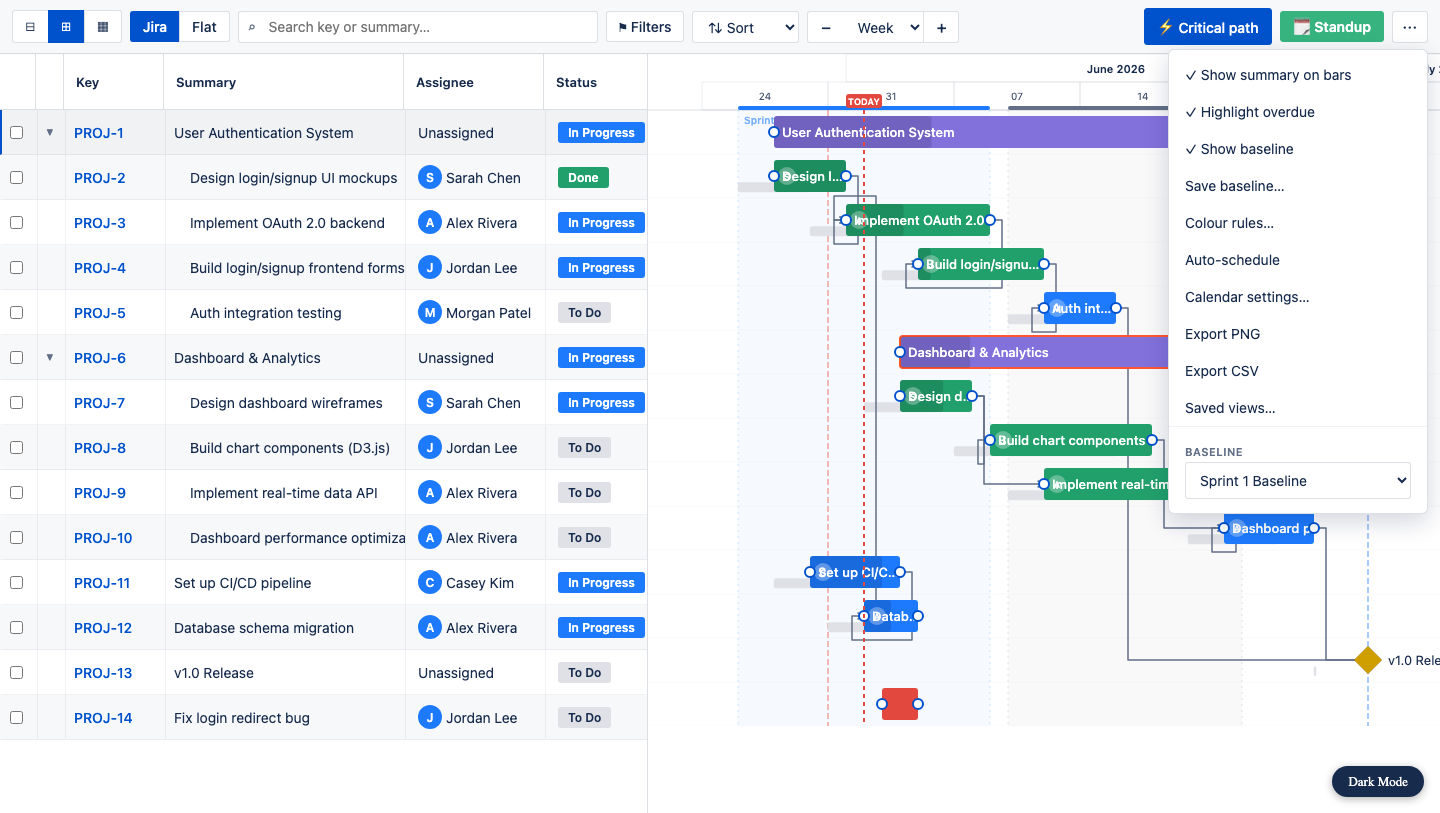
Sooner or later someone outside Jira wants your plan. Export it in four portable formats, straight from the toolbar “…” menu — whatever your filters are showing, with dependencies and hierarchy intact.
- PNG — a crisp image of the timeline for a slide, wiki page or email.
- PDF — a print-ready status report for stakeholder updates and sign-offs.
- CSV — Key, Summary, Type, Status, Assignee, Start, End, Duration, Progress and Parent, for spreadsheets and reporting.
- MS Project XML — tasks and the dependencies between them, ready to open in Microsoft Project or any tool that reads Project XML.
Every export respects the current view, so you can send just one sprint, one epic or one assignee. Because the app already knows your dependencies and rolled-up parents, the exported file carries the real schedule — not just a flat issue list. See the full walkthrough in how to export a Jira Gantt chart.